
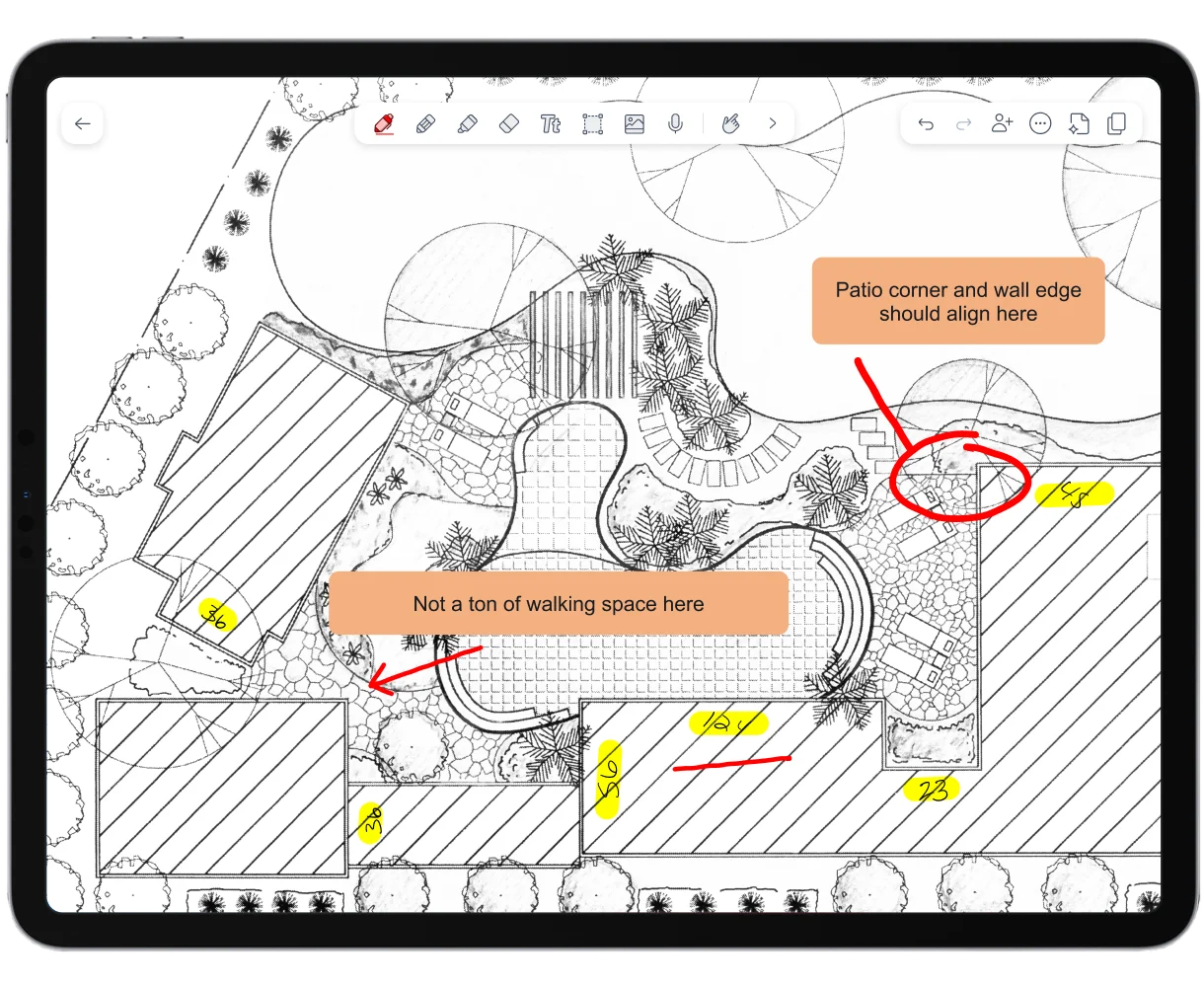
Securely deploy Notability to your devices
Handwritten notes, document markups, and meeting recordings all kept on your team's iPads, unless you choose to share it.
Supports Intune MAM
Full note-taking, no accounts needed.
Get the full Notability on every device in your fleet. Open the app and start writing without signing in to anything.

Handwriting and typed notes
Write, type, and sketch in the same note.

PDF annotation
Import PDFs and mark them up on any licensed device.

Organization, templates, and export
Keep notes organized, start from templates, and export when you need to share.

iCloud sync and backup
Sync with iCloud and back up to Google Drive, OneDrive, and other services.
Deploy in three steps

Request your license
Tell us how many devices need Notability. Your IT admin registers and gets a License Key.
Distribute through your MDM
Push the License Key to managed devices with Jamf, Intune, Iru, or another MDM.
Configure remotely
Set app behavior through MDM configuration, like turning off link sharing or the note gallery. Read our MDM documentation here.



Built for control
Notes stay local
Managed through MDM
Admin-set restrictions
Global compliance


Which option fits your team?
| At a glance | Notability for Managed Devices | Notability for Business |
|---|---|---|
| Best for | Company-owned devices managed centrally | Mixed environments, including personal devices |
| How users get access | License Key deployed through your MDM. No user account. | Users sign in with a Notability account |
| MDM required | Yes | No |
| Where notes live | On the device or in iCloud | Notability Cloud |
| Billing | Per device | Per user |
| Shared Libraries and real-time collaboration | Not included | Included |
| Notability AI | Not included | Smart Notes, live transcription, and chat with your notes |
Need collaboration, AI, or access on personal devices? Explore Notability for Business.
Ready to deploy?
Request a license for your managed devices, or talk it through with our team.
Interested in Managed Devices on Android?
We'll only email you about Managed Devices on Android. We collect your email only to gauge interest in it. Privacy policy

 in San Francisco